Separate business workspaces
Each business sees its own records and the locations its team is allowed to use.
Complete sales, track inventory across locations, manage purchasing, and issue invoices from one connected workspace.
Explore focused workflows built from the real DPOS interface.
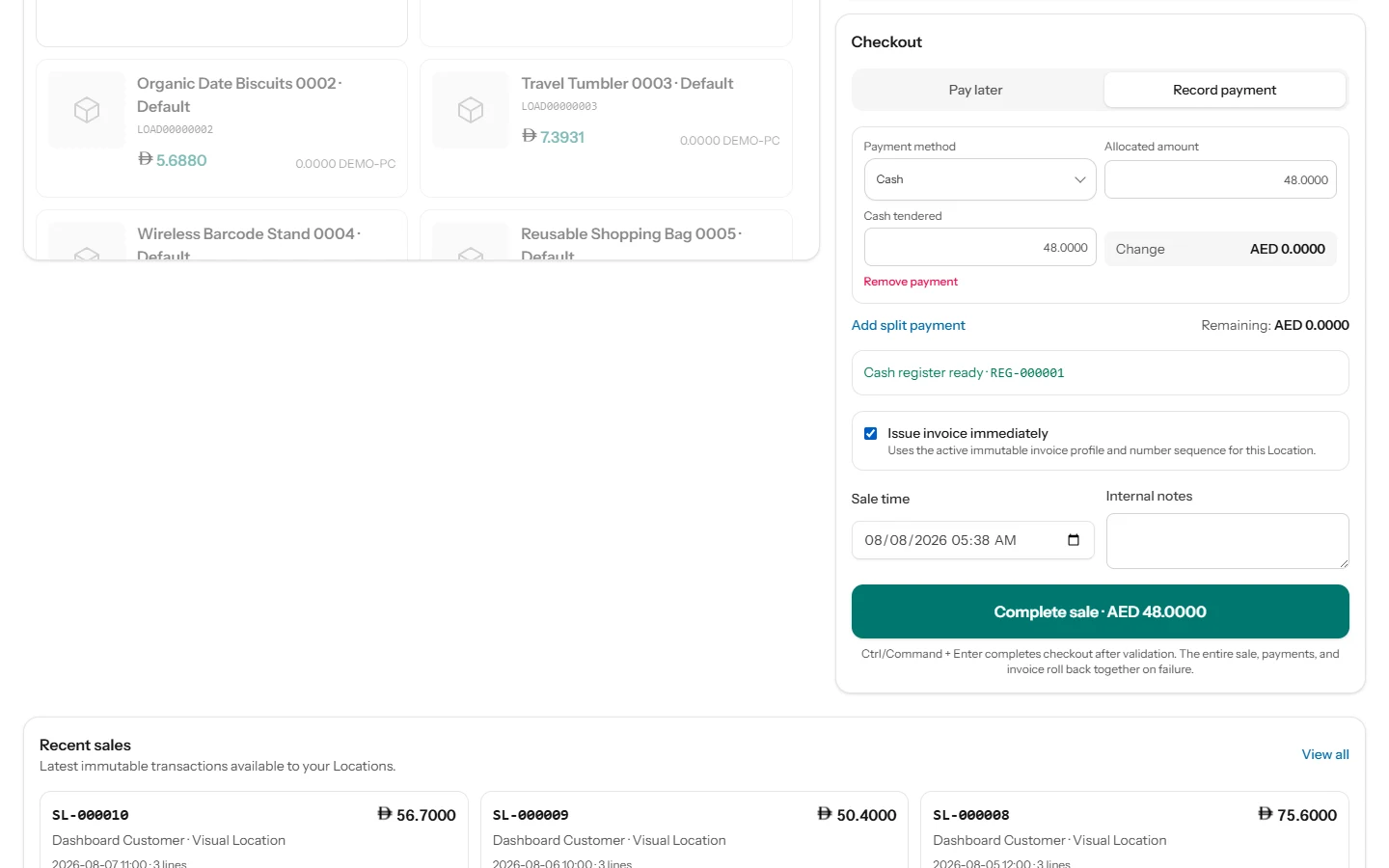
Search by product, SKU or barcode, build the cart, record payment and issue an invoice when the required profile and permission are available.
Review current balances, movement history, transfers, receipts, returns and validated adjustments by location.
Create purchase orders, work with supplier records, receive stock and retain purchase cost history.
Use location invoice profiles, customer records, payments and printable documents while keeping posted records consistent.
Review posted sales, returns, payments, refunds and branch activity with clear filters and exports.
DPOS keeps the daily work connected, so every sale becomes useful stock, control and reporting information.
Explore the Product TourKeep product search, cart totals, payment records and invoice decisions together.
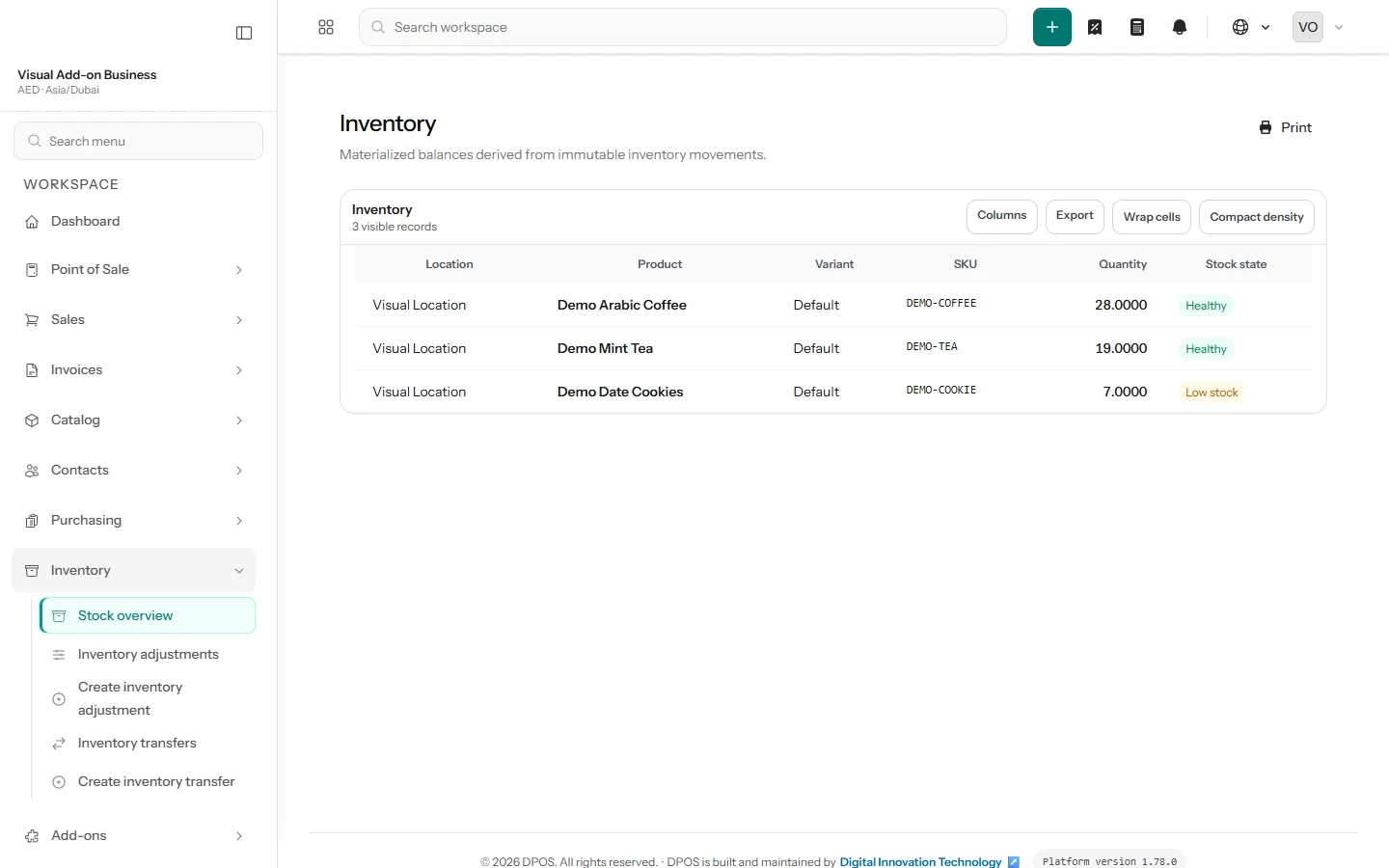
Use automatically recorded stock movements and location balances instead of reconciling separate files.
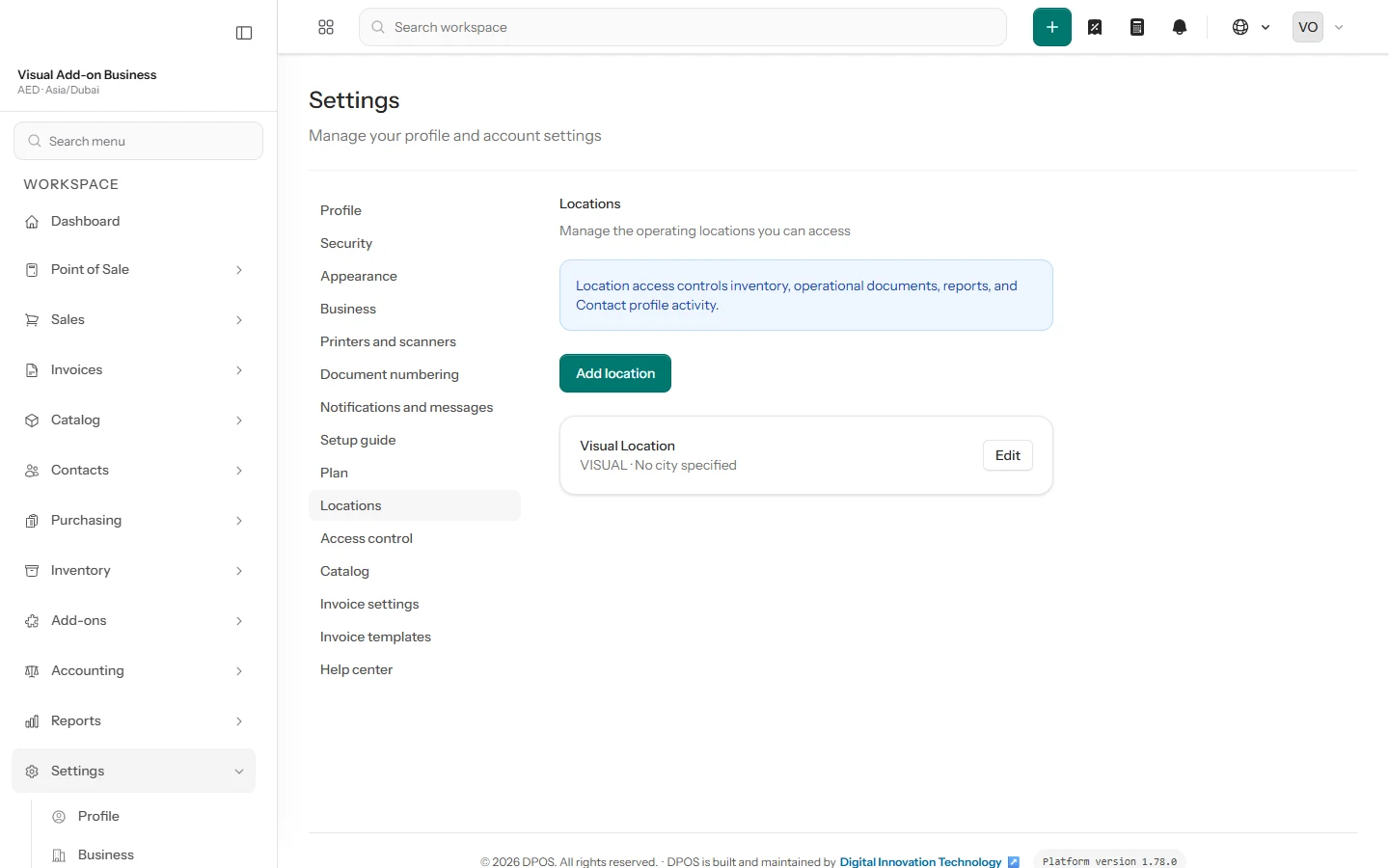
Give each person only the permissions and location access required for their role.
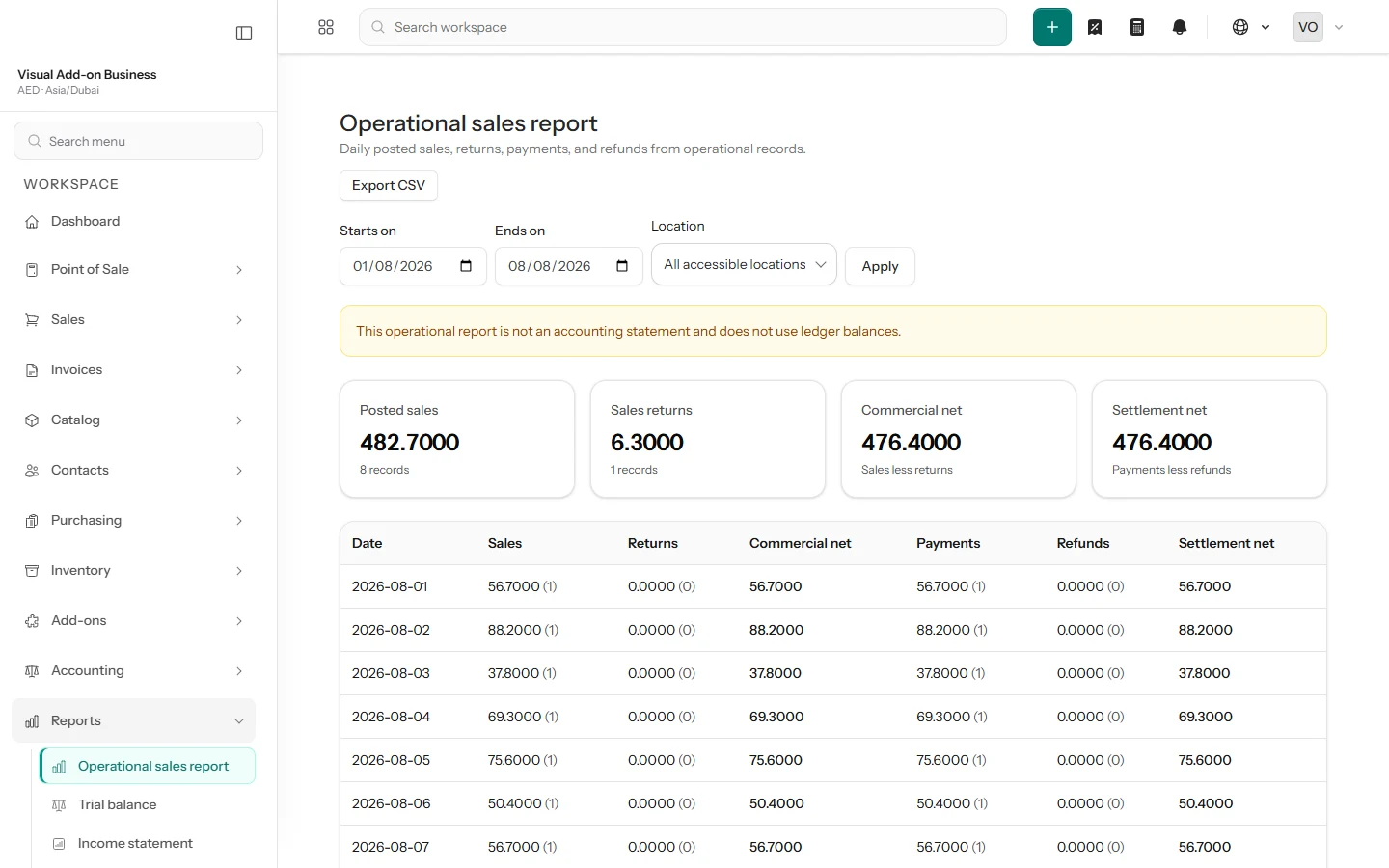
Use current operational records to understand sales, products, inventory movement and branches.
Create your account, add your business and organize the locations your team works from.
Import products, customers, suppliers and opening stock with guided, reviewable templates.
Open the register, complete sales and follow stock and performance from the same workspace.
Sales, inventory and reporting work as one connected flow, giving every role a faster path from action to insight.
Open DPOS in your browser, scan products in seconds and print the documents your operation needs.
Secure access from current Chrome and Edge browsers wherever your team works.
Use keyboard scanners or supported device cameras to find products instantly.
Print PDF, A4, 80 mm and 58 mm documents through your operating system.
Move the records that power your daily operation through guided imports with a clear preview before every commit.
Request a Live DemoBring your catalog, SKUs, barcodes and product options into one organized workspace.
Keep the contacts your sales and purchasing teams depend on ready from day one.
Start with accurate opening quantities by location and SKU in the inventory ledger.
Shape the workspace around your team, locations and invoice identity.
Separate each business workspace, grant only the required role and location access, and keep important actions visible for review.
Read the security pageEach business sees its own records and the locations its team is allowed to use.
Owners choose what each user can do and which locations they can access.
Sign-in verification, attempt limits and encrypted connections help protect every session.
When support access is used, it is time-limited, read-only, reason-required and recorded.
Compare the current DPOS software plans. Prices exclude applicable taxes unless your agreement states otherwise.
Prices are shown in the selected billing currency. Your final quote confirms taxes and terms.
For one small store starting with digital sales and stock control.
For growing teams managing more users, products and locations.
For larger operations that need advanced reports, accounting and API access.
User, location, product and invoice figures describe each plan’s operating scope. Contact DPOS before expected usage exceeds a listed figure so the team can confirm the right plan.
Choose your plan and send your request. The DPOS team completes the activation with your business details.
The invoice limit refers to issued Invoice records, not every Sale left as a receipt-only transaction.
Standard software plans do not include hardware, assisted migration or custom onboarding. Confirm scope and cost before activation.
Everything you need to evaluate DPOS before you start.
Yes. Guided CSV imports bring products, customers, suppliers and opening stock into DPOS with a clear preview before saving.
Setup time varies. Your catalog size, number of locations and users, invoice settings, data quality and migration scope determine the schedule.
DPOS works with system printing for PDF, A4, 80 mm and 58 mm documents, keyboard/HID scanners and camera scanning on supported devices.
Hosting details are provided during the sales or security review. Ask for the approved hosting and data-processing statement your organization requires.
Exports exist for reviewed operational domains, but post-cancellation access, timing, retention and deletion follow the applicable agreement. Confirm them before activation.
Yes. DPOS supports configurable tax rates and location-specific invoice profiles. Review the final configuration against the legal and accounting requirements that apply to your organization.
You can reach DPOS by the published company email, phone and WhatsApp. Confirm support hours, response targets, onboarding scope and any SLA for your selected plan.
Yes. Owners can manage users and locations within the selected plan scope. Contact DPOS before you need more than the listed plan figures.
The published catalog covers software plan prices and excludes applicable taxes unless agreed otherwise. Hardware, assisted migration and custom onboarding are not included as published standard services; request a written scope.
Contact DPOS before reaching the listed figure. The team will review your expected usage and confirm the appropriate plan or scope change before rollout continues.
Create your business and first location, bring in your data, invite the team and open the register from the guided onboarding workspace.
Share a few details so the DPOS sales team can prepare a focused walkthrough for your business.